
Updated
If you can’t find a particular deal in the negotiations or accepted deals page, it means that this deal is in the inactive state, which means it is declined, canceled, or completed.
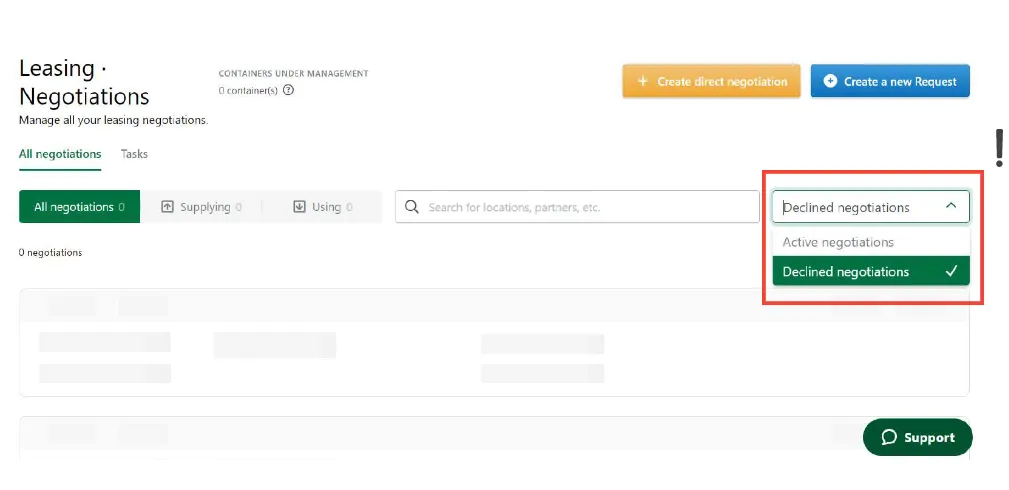
To find a negotiation that is in the inactive state, please go to Leasing · Negotiations and choose Declined negotiations on the right side.
If it is an accepted deal, please go to Leasing · Accepted deals, and change the status to Inactive.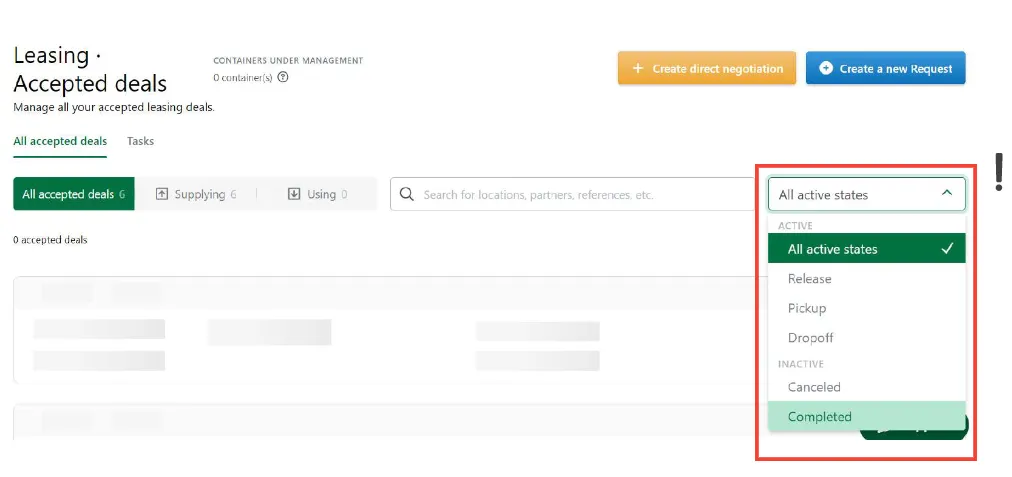
You can also simply insert the Leasing ID a the end of the below URL to access the deal: https://app.container-xchange.com/leasing/request/LEASINGID
Can't find what you need? Contact us