
Updated
If you want to learn how to create a direct negotiation with a partner or repeat a leasing deal (both options will help you create a new leasing deal 😉) in xChange's Leasing platform, you've come to the right article.
How can I create a Direct Negotiation?
- You will find the Create Direct Negotiation option under the Leasing > Search tab
- You can review the following article to learn how the process works step by step:
- It is good to note the terms will be auto-filled and will help you save time.
- You can change the location, container type, and other details you want to negotiate in the new deal.
How can I repeat a Leasing Deal?
- You will find this option within all active leasing deals
- Click on the Repeat deal button from the leasing deal you want to repeat.
- You can find this button at the top of the deal page:

-
- Also at the bottom of the deal page:
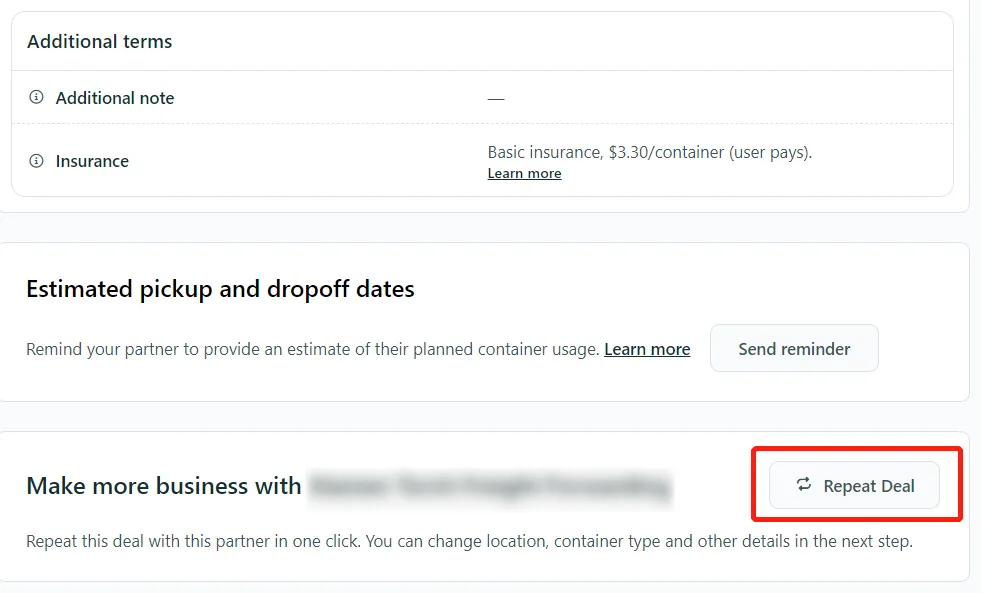
- After you click on this option, you will see a pop-up as shown below ⬇️
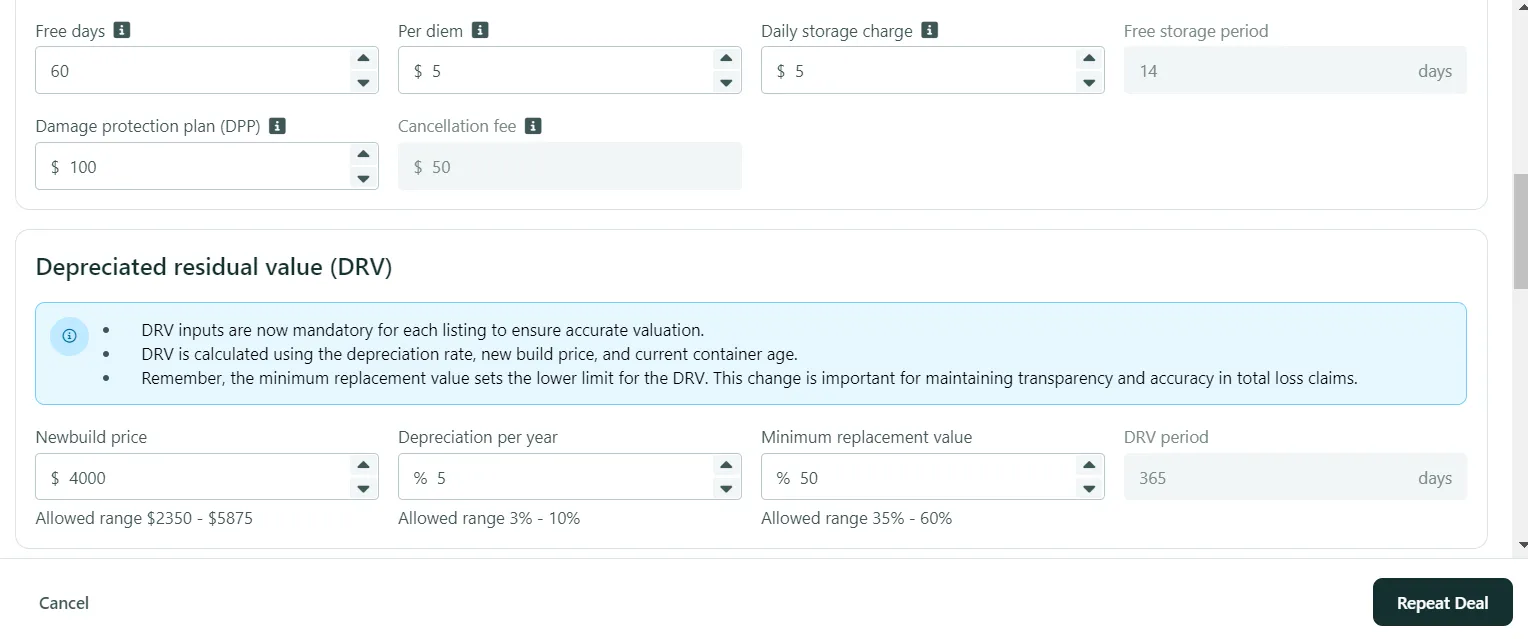
- You can change all the terms except the quantity.
- Once you complete the terms, make sure to click on Repeat Deal.
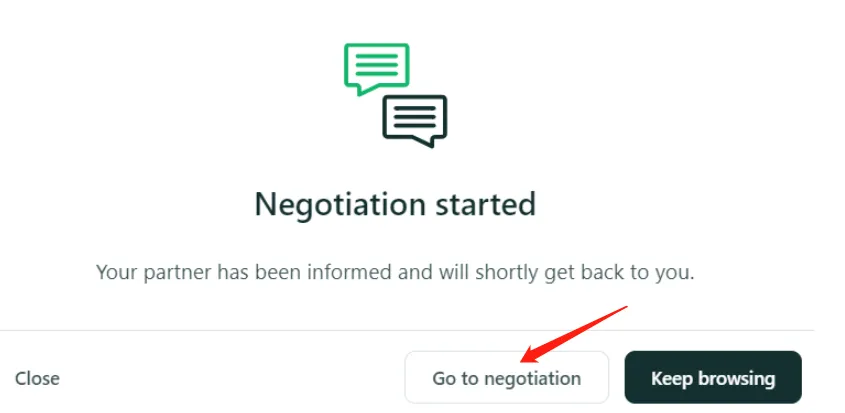
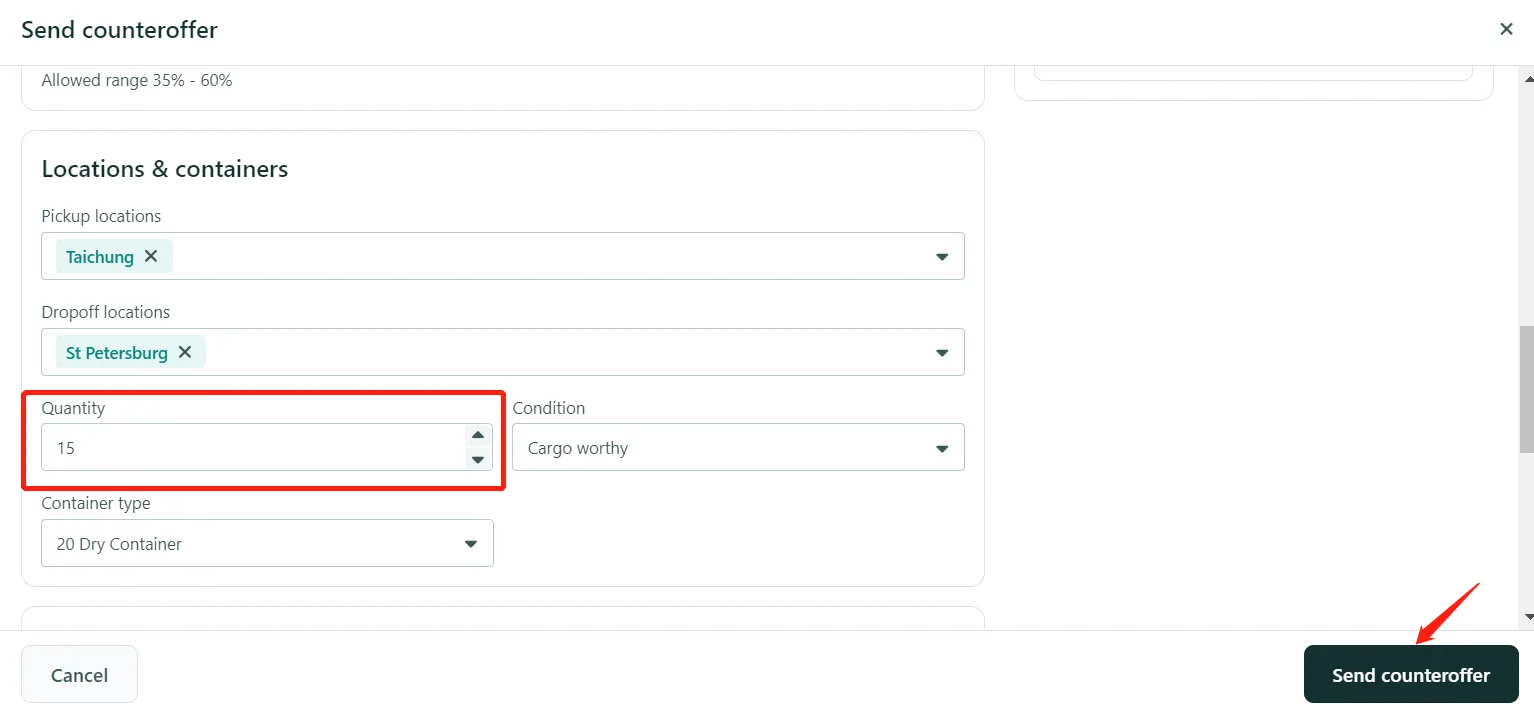
- A negotiation will be created and sent to your partner. You can go to the negotiation and continue to update the offer (for example, the quantity.)
- You can click on Propose counteroffer to change the container quantity.
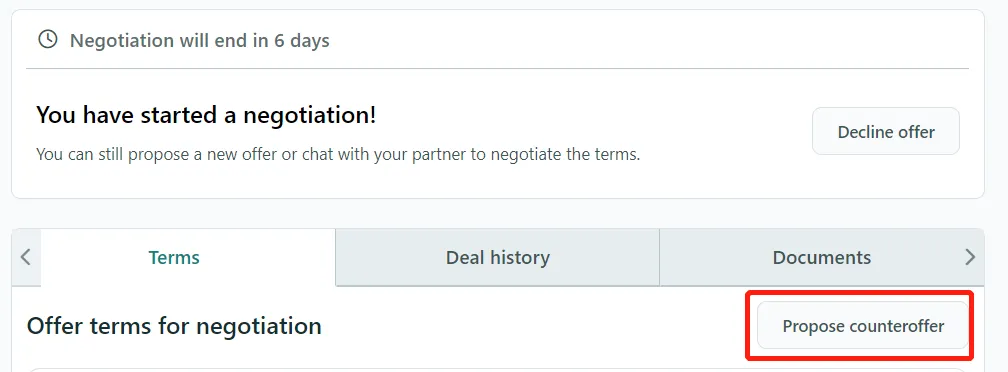
- Once you update the terms, make sure to click on Send counteroffer.
Can I repeat a deal if it is canceled?
-
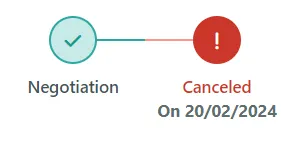
No, if a negotiation is canceled, it cannot be reopened or repeated. If you want to continue the negotiation, please create a new leasing deal.
-
For more details, please review the article: How do I create a Leasing Direct Negotiation on xChange?
-
For more details, please review the article: How do I create a Leasing Direct Negotiation on xChange?
Can't find what you need? Contact us