
Updated
Read this article in Chinese (中文)
If you are a Seller trying to create a Guaranteed offer, you have found the right article.
Steps to create a Guaranteed offer
Go to the Navigation menu on the left, and under the Trading Tab, click on Supply Listings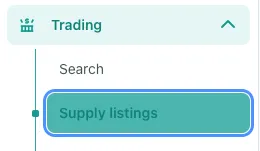
- Go to the upper right corner, and click on +Create Supply Listing
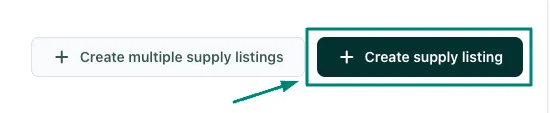
- After you do, just fill out all the required information as requested.
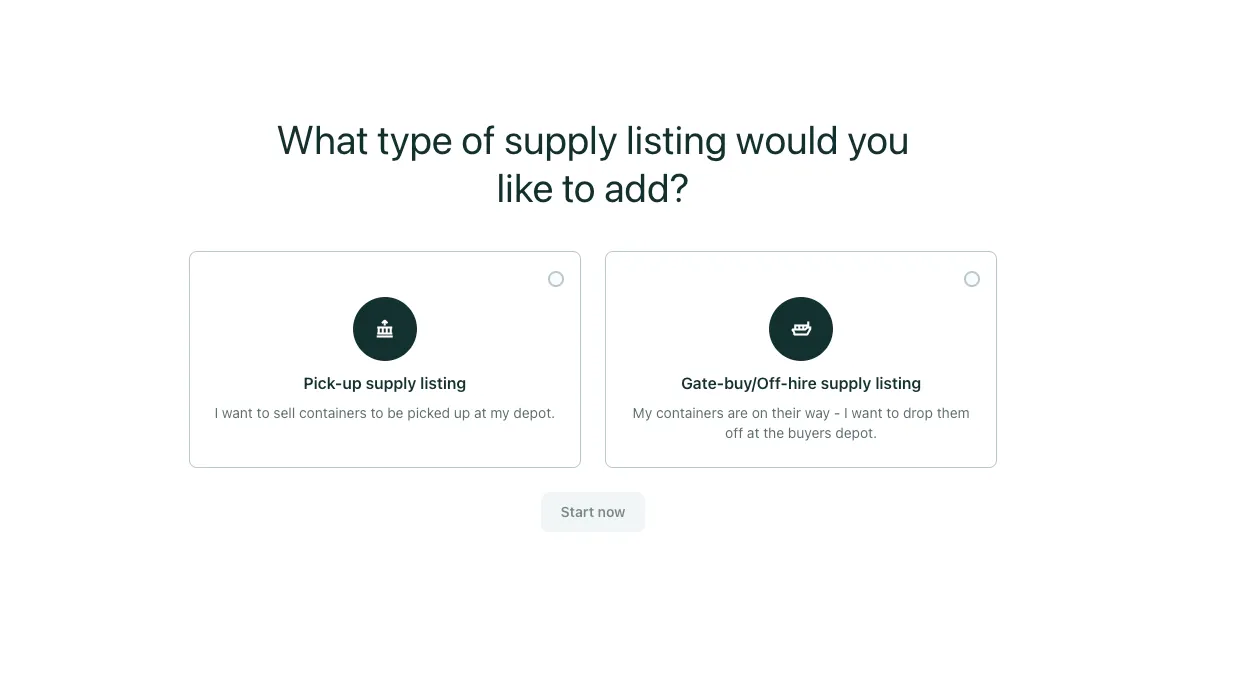
- In this first step you need to select if the Trading deal will be a Pick-up or a Gate-buy trading deal:
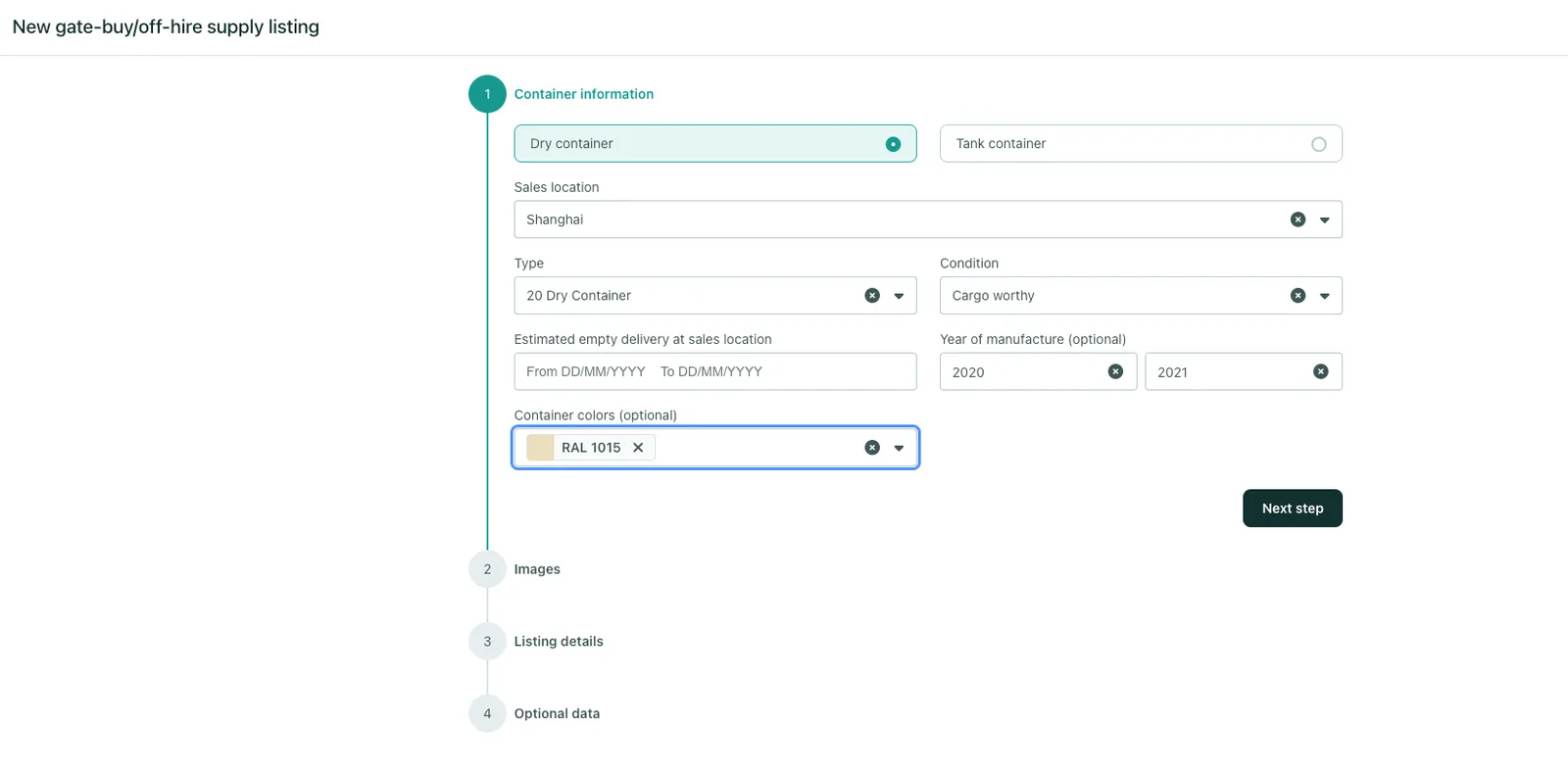
- Make sure to provide the most accurate information about the Container:
- Most importantly, when you get to the third step: Listing details
- Make sure to toggle On the ✅ Guaranteed offer
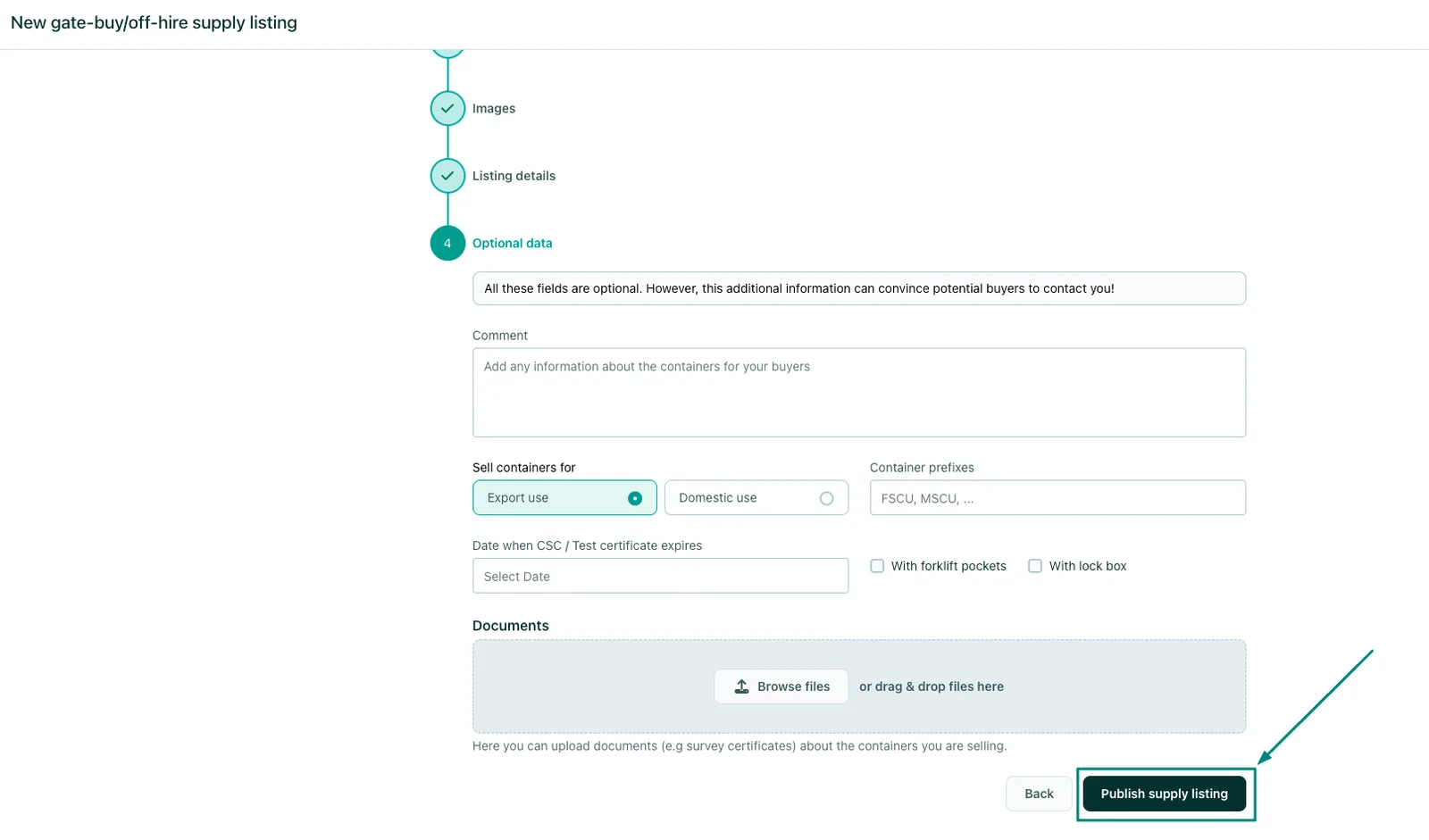
- Complete the process and you will have created an Guaranteed Offer
Can't find what you need? Contact us