
Updated
Read this article in Chinese (中文)
Have you created the Pick-up or Drop-off reference?
- The first step is to create the release reference, if you haven't done that yet you can review the following articles to create it first:
How can I delete or edit a release reference?
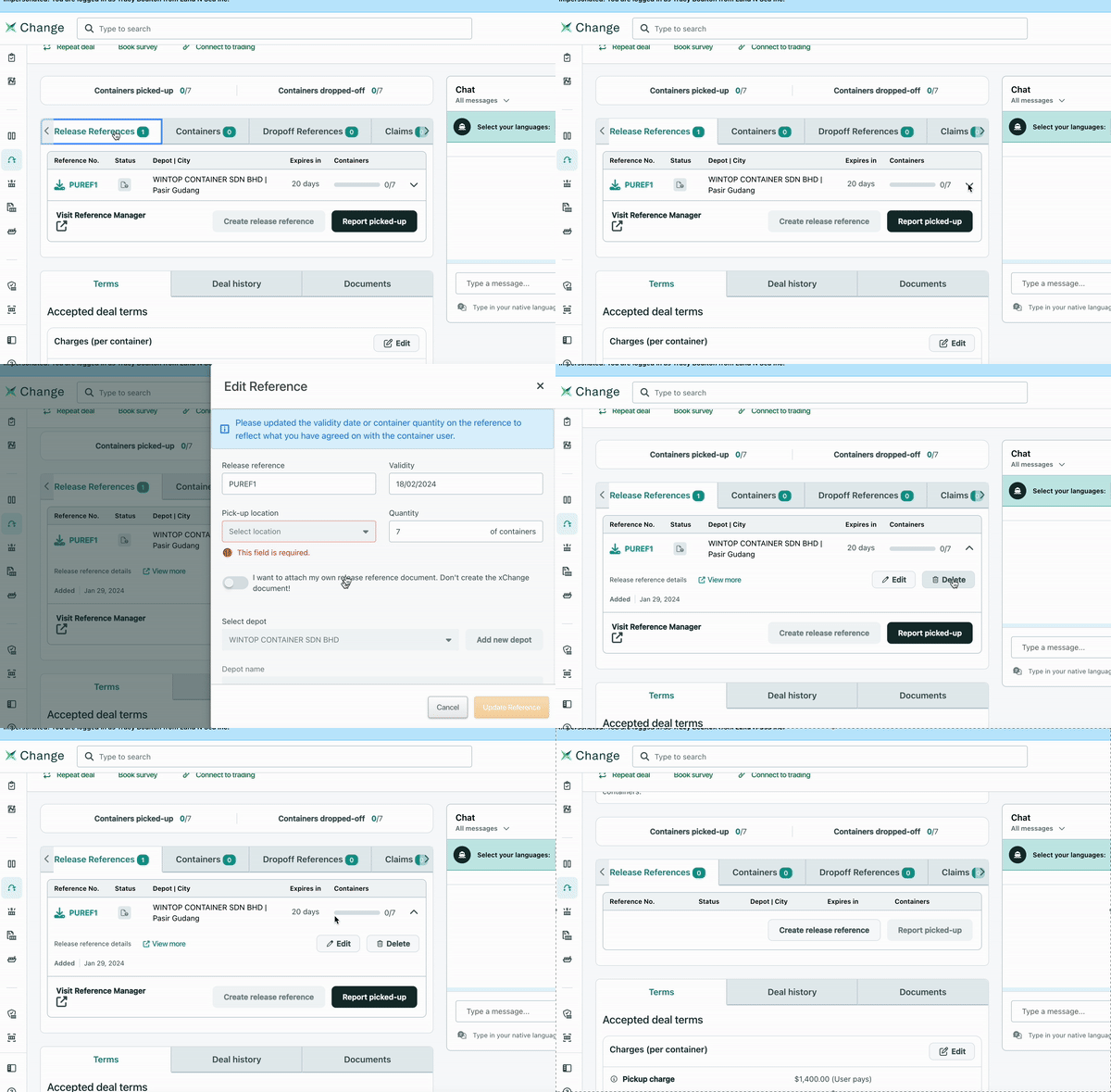
- First head over to the Reference Section where you created the release.
- Then you will click on the little arrow as shown below in the GIF:
-
After you click on the little arrow, you will see the options Edit or Delete show up.
- You can then select the action you need to complete and just follow the prompts.
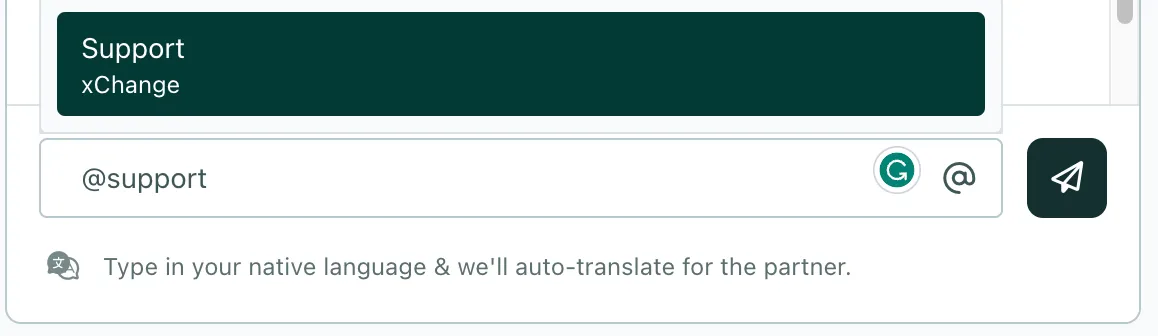
- Feel free to tag @Support by simply typing @ and then clicking on the Support option from the drop-down menu if you need assistance.
Can't find what you need? Contact us