
Updated
Read this article in Chinese (中文)
To export your transactions, follow these steps:
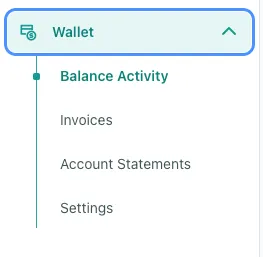
- Navigate to the Wallet section of your account and click on the Balance Activity tab.
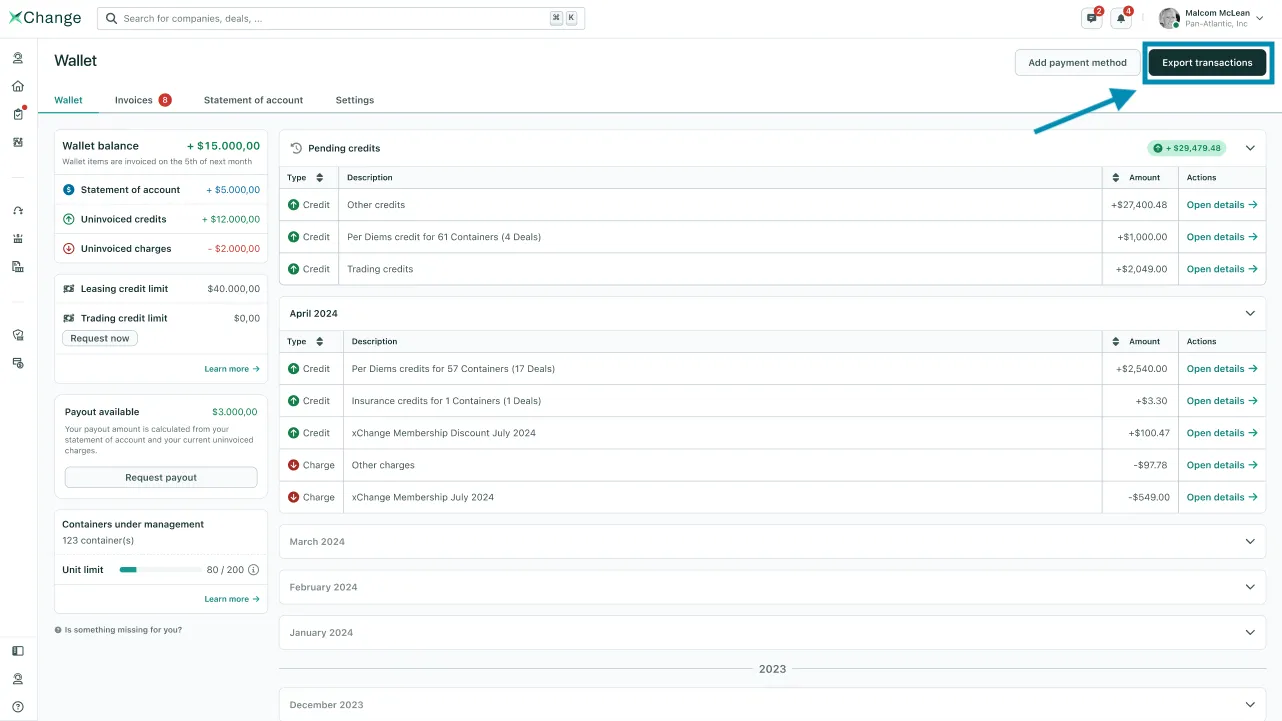
- Find the Export Transactions button in the top right corner of the Balance Activity page and click on it.
-
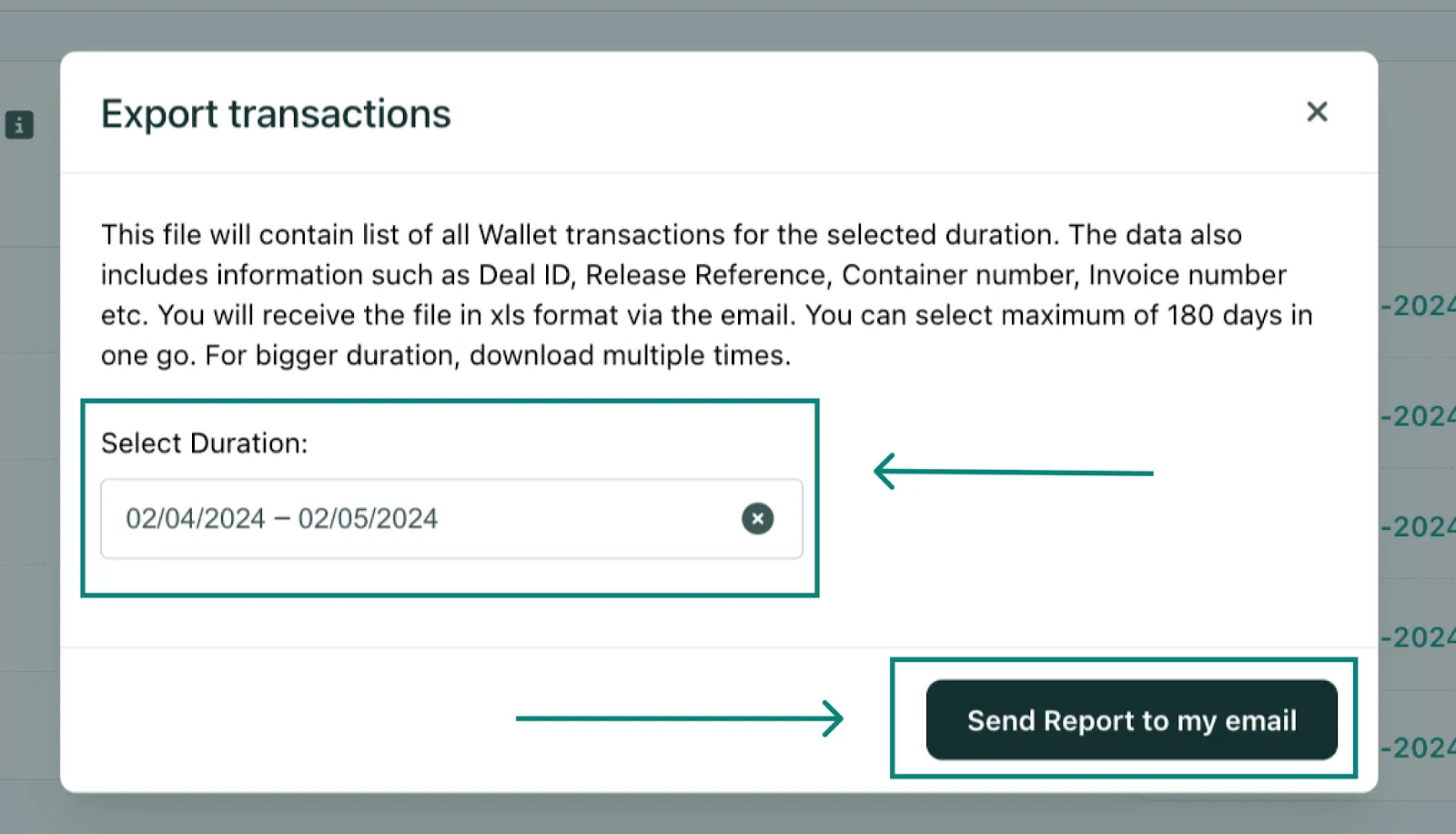
If you want to review transactions for specific dates:
- Select a date range, and click on Send Report to my email
Can't find what you need? Contact us