
Updated
Read this article in Chinese (中文)
You can add your own xChange rating to your website or email signature by following the steps below.
- Go to the Share option found in the upper right corner of your Company Profile
- There you will find the three available options to share your company profile:
- Copy public company profile link
- Share to social media
- Public visibility
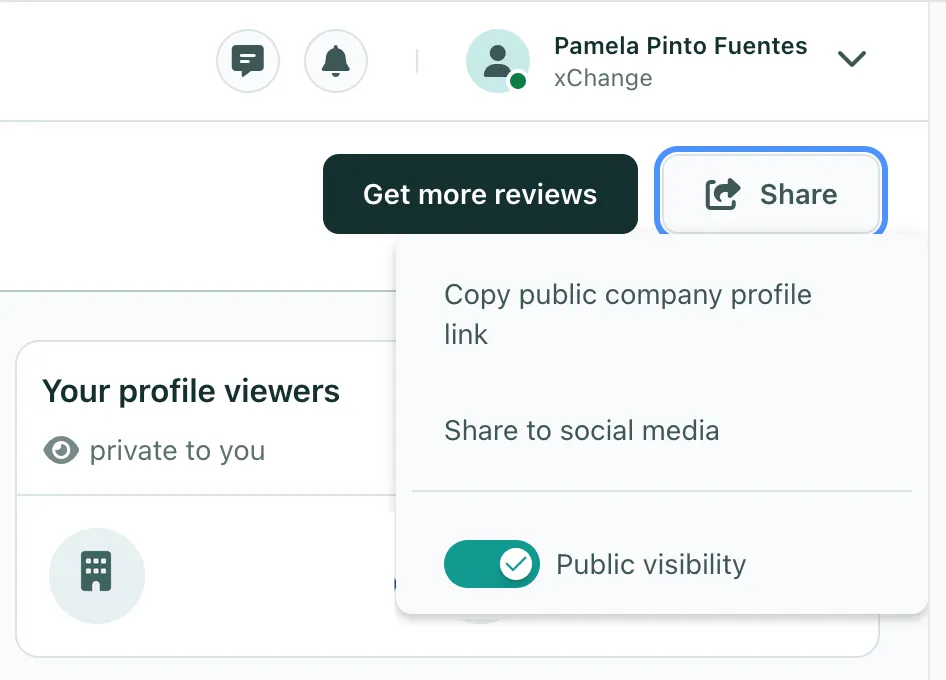
- You can then use the Link generated by the first option or just share your company profile to your social media by selecting the second option.

Can't find what you need? Contact us