
Updated
Read this article in Chinese (中文)
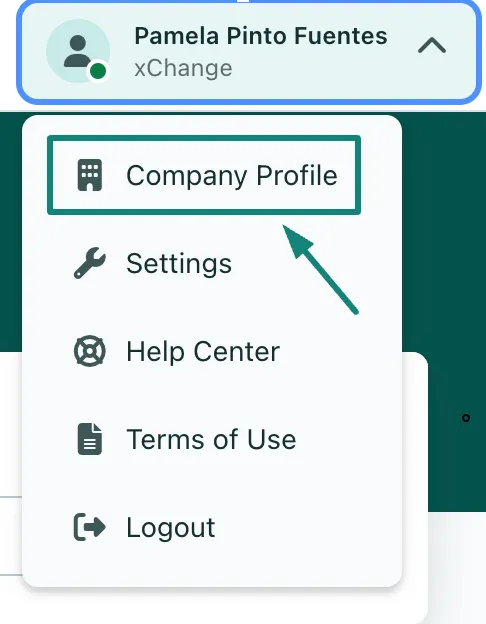
- Navigate to your company profile by clicking on your name in the top right corner.
- Click on Company Profile from the drop-down options.
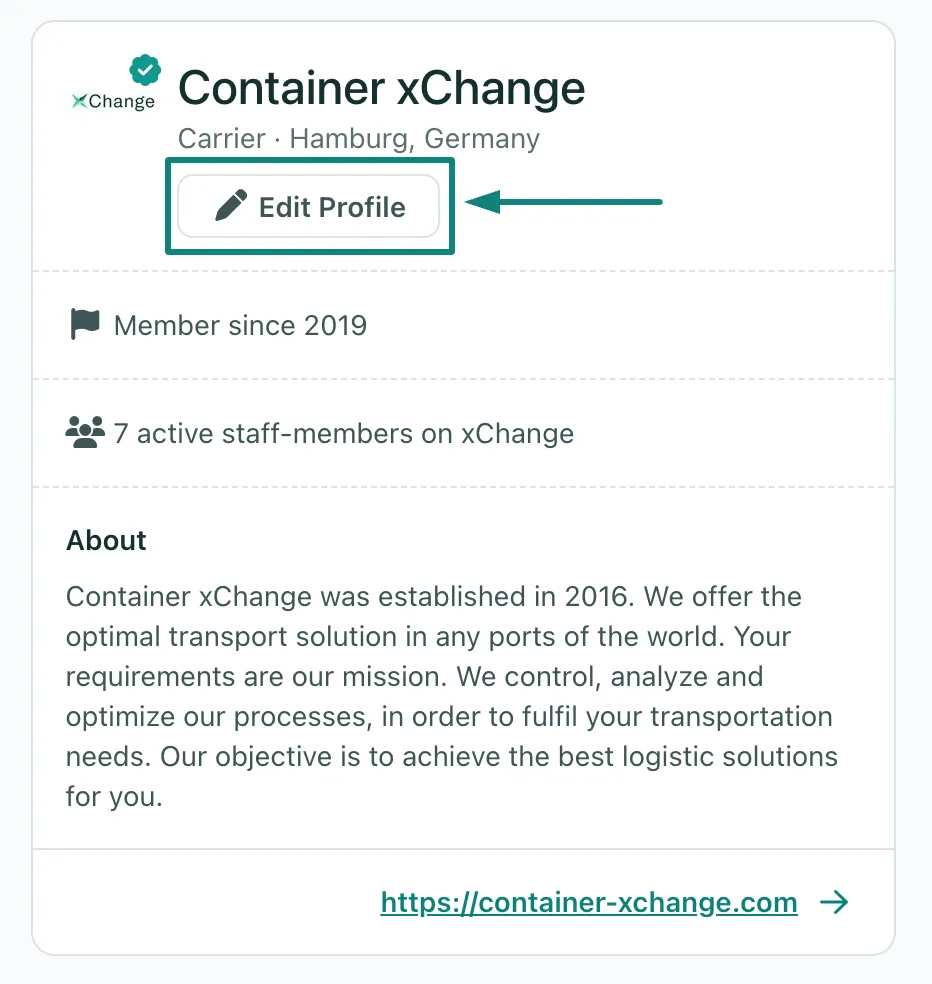
- On the right side you will find your Company Profile
- You can edit this through the Edit Profile button
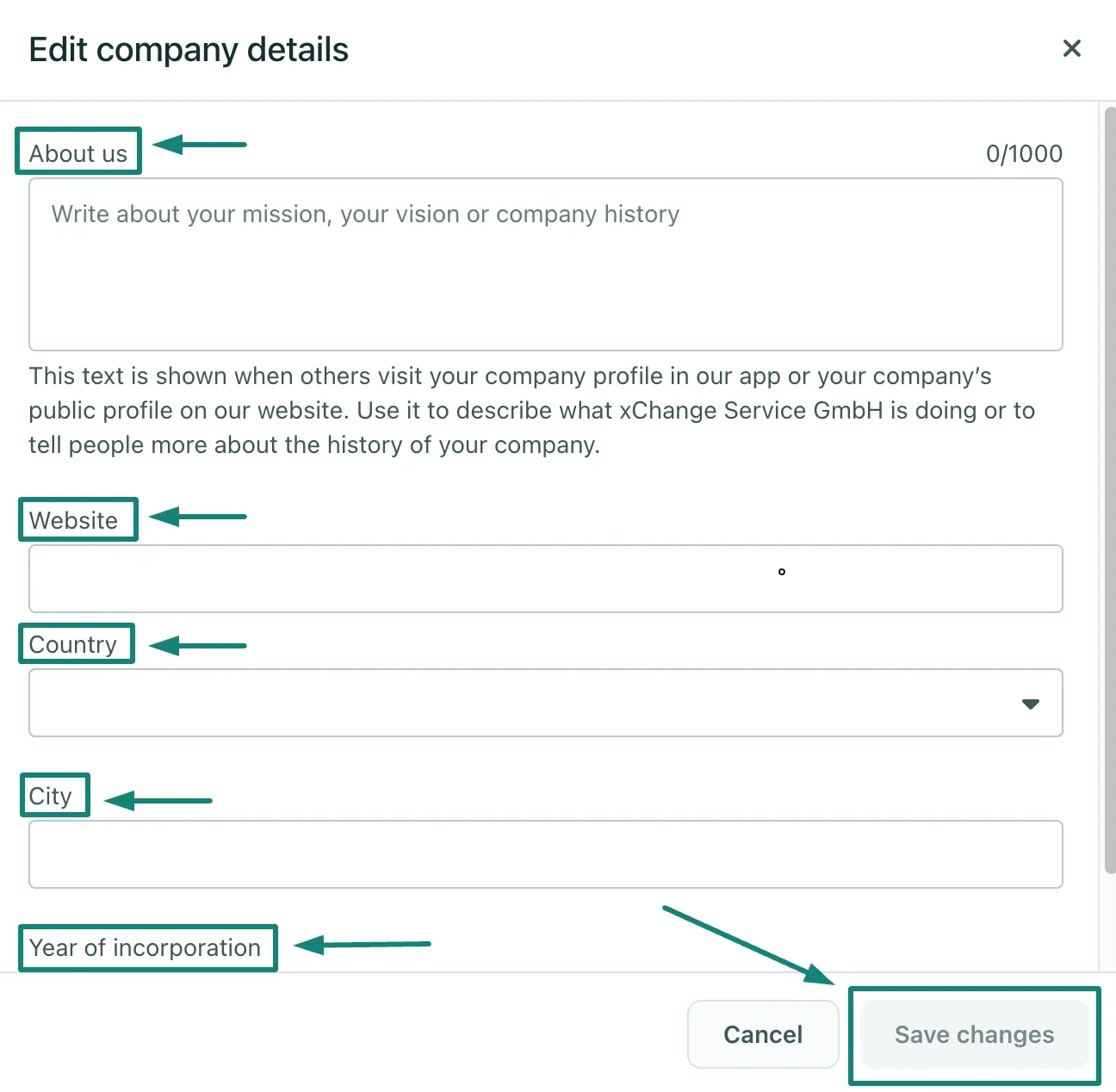
- You can then adjust your company's profile information as needed.
- Make sure to complete the process by clicking on Save Changes
Can't find what you need? Contact us