
Updated
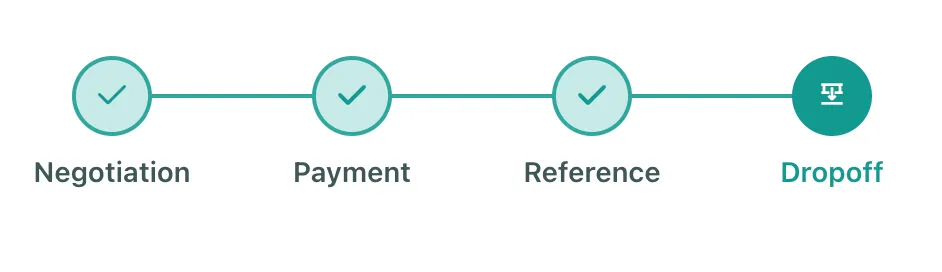
The Drop off Stage
Where can the seller find the Drop-off reference?
-
As we explained in the article: What Happens during the Reference Stage of a Gate Buy Trading deal?
- When the Buyer uploads the reference, the deal will move to the Dropoff stage
- The seller will find the Reference uploaded under the Dropoff References tab
- When the Buyer uploads the reference, the deal will move to the Dropoff stage
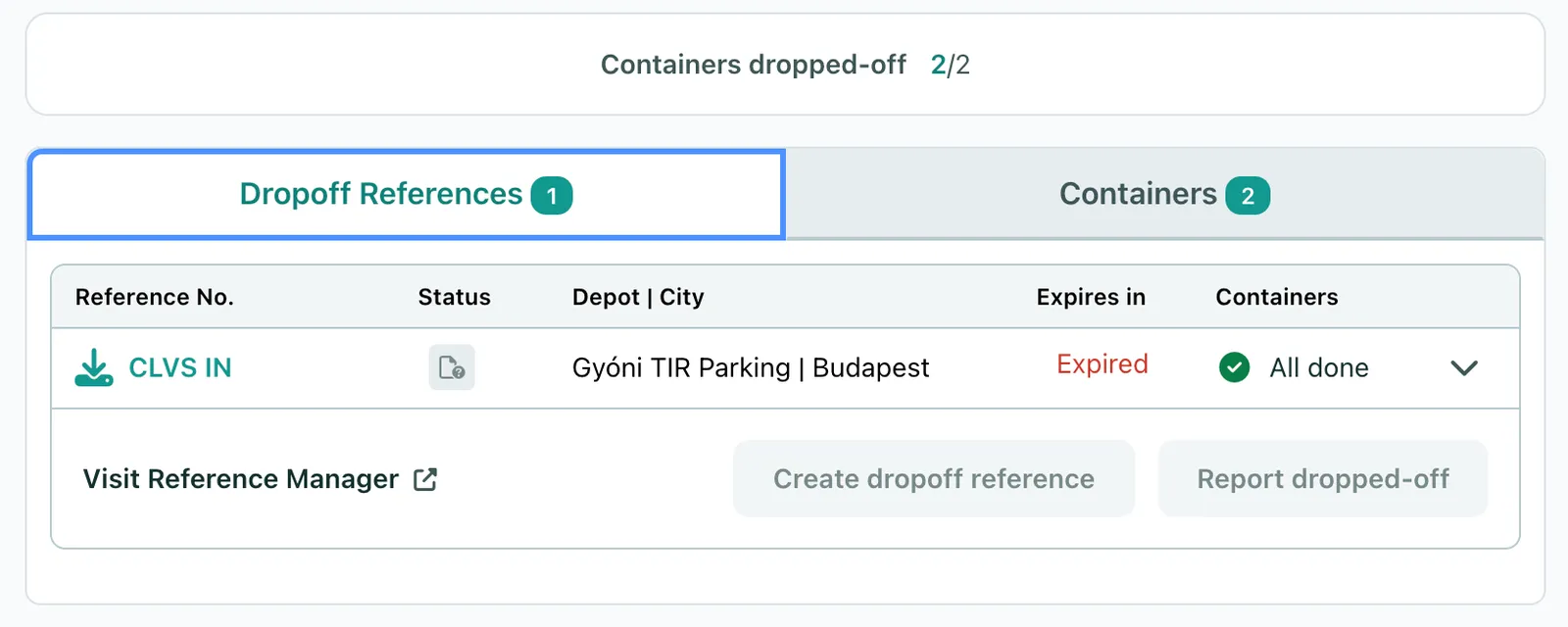
Is there anything the seller needs to do before dropping off the Containers?
-
During the Drop-off stage, the seller can proceed with the drop-off after completing the following actions:
- Confirm with the buyer and the depot at least 48 hours before the actual Drop-off to confirm the Reference with the depot (that the document is in their system)
What should the Buyer do after a Container has been Dropped off?
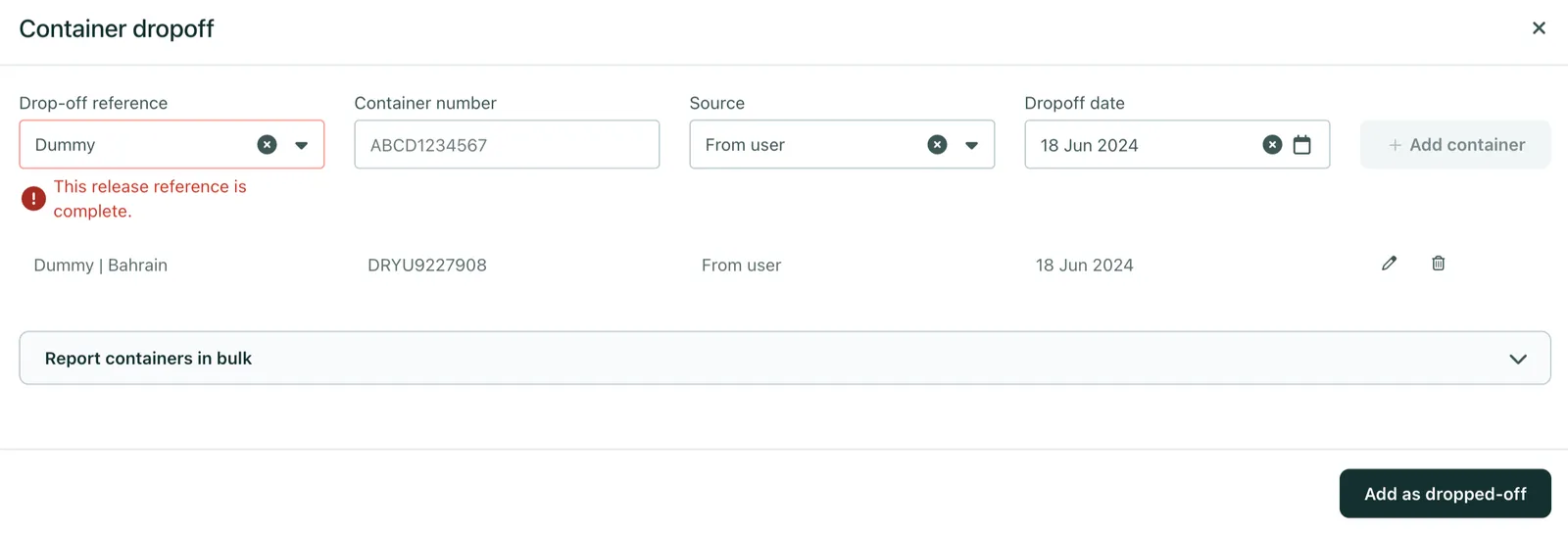
- To keep your partner and xChange informed, we ask all Buyers to help us report the Dropped off containers through either of the Report Dropped-off options
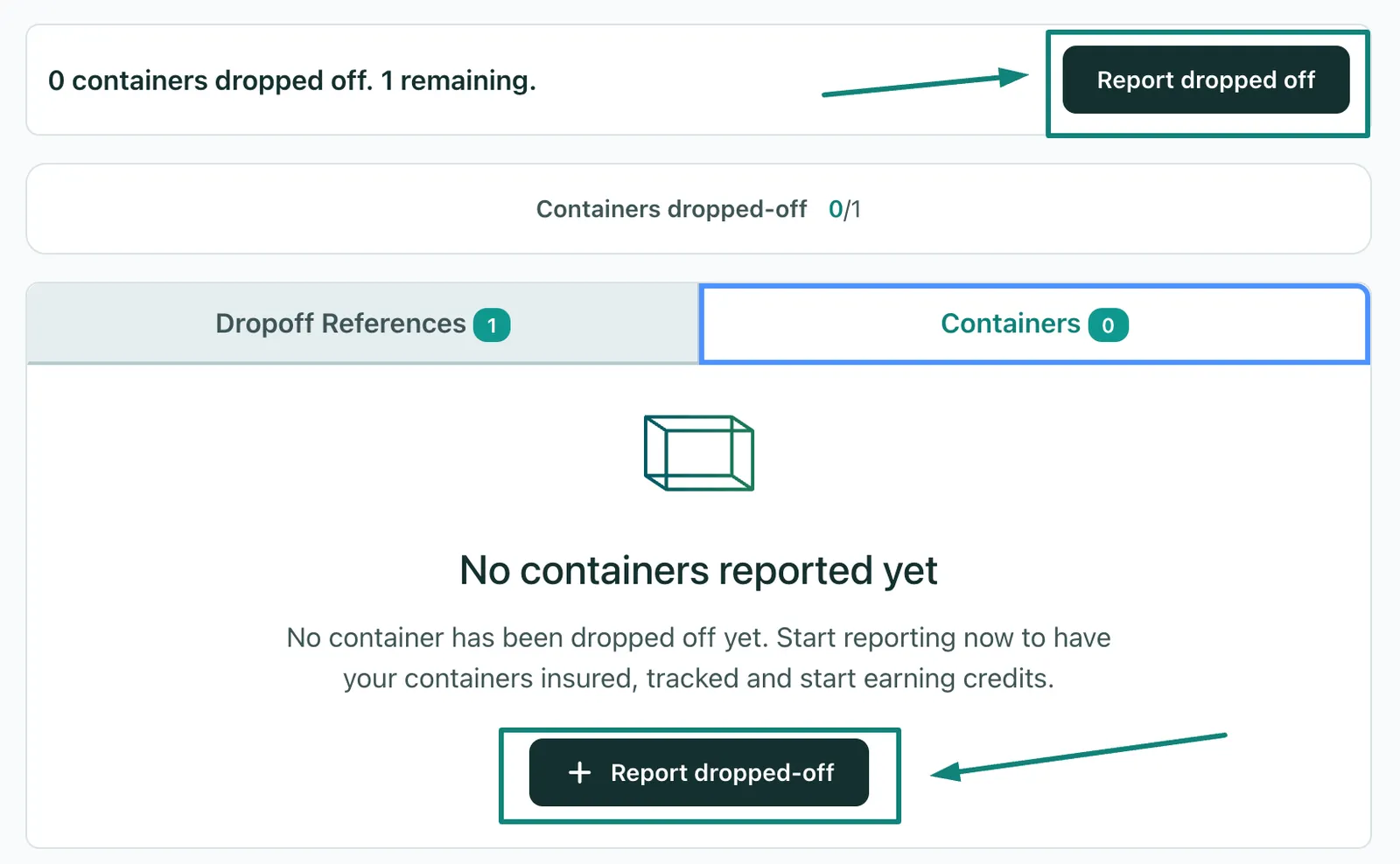
- You will need to fill out the fields shown below with the following information:
- Reference number
- Container Number
-
Drop-off date
- Before you report it, you also get the chance to review it or delete the data entirely
- After reporting the dropped-off units, you will find the data reported under the Containers tab
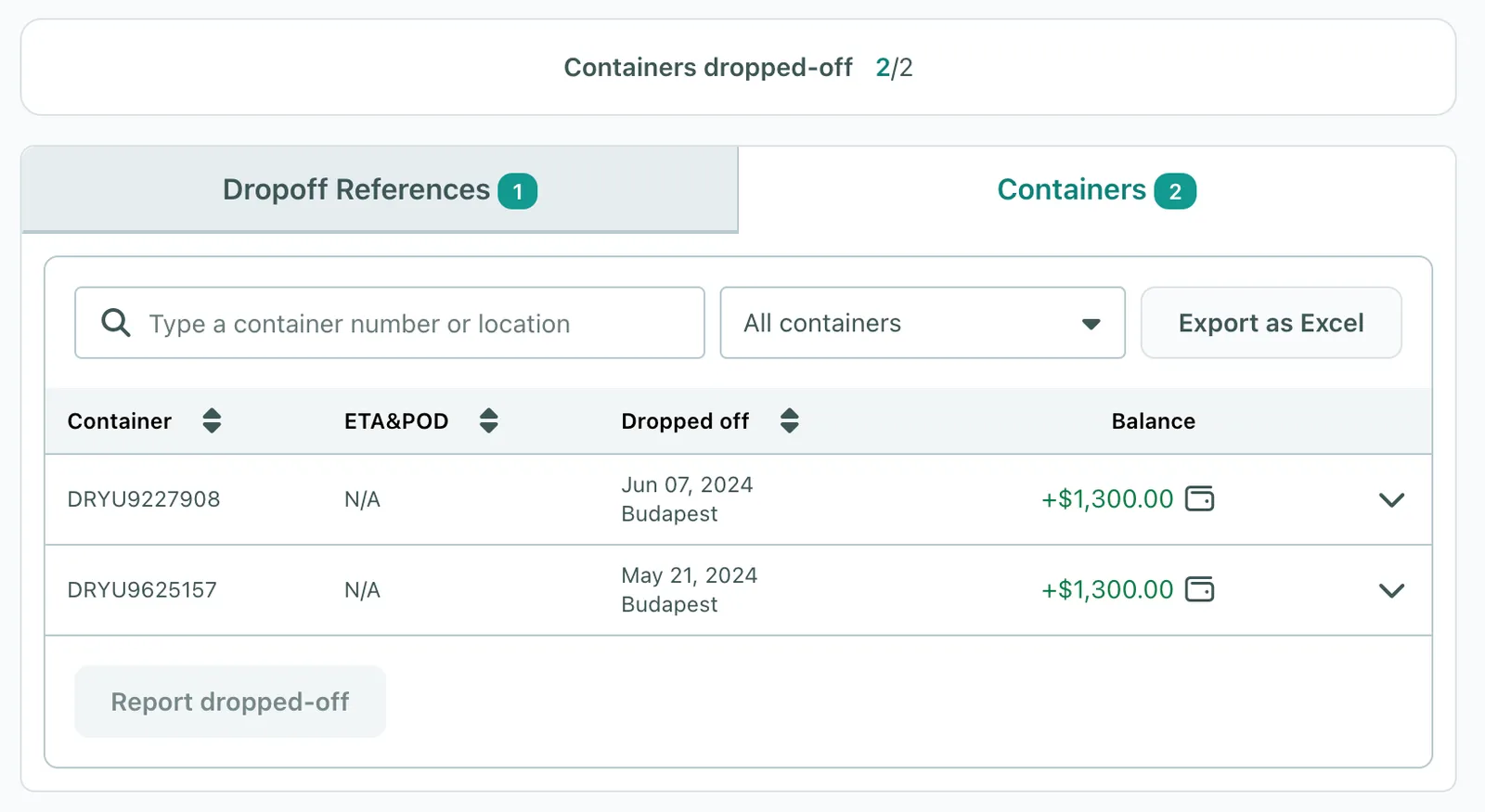
- Once all the units are marked as dropped off, the payment will be released to the seller and the deal will be marked as Completed
Can't find what you need? Contact us